
What Does a Managed IT Provider Actually Do? A Straight-Talk Guide
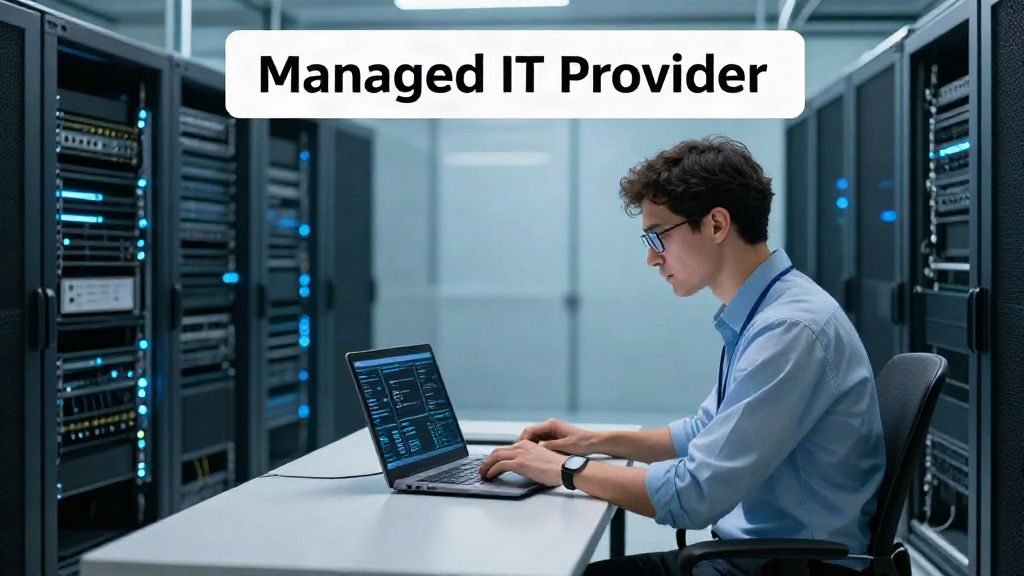
Let's be honest: "managed IT services" sounds like something that requires a translator. That's exactly the problem. Most business owners we meet in Central Florida aren't IT experts, and they shouldn't have to be. They just want their email to work, their files to be safe, and the people on their payroll to be able to get their jobs done without begging for help.
So what does a managed IT provider actually do, week to week? Forget the buzzwords. Here's the down-to-earth version.
What "managed IT" really means
A managed IT provider is a team you hire to handle your technology so you don't have to manage it yourself. Instead of calling five different vendors and hoping somebody fixes the problem, you have one accountable partner who watches your systems, keeps them healthy, and steps in when something goes wrong.
The key word is "proactive." A good provider isn't waiting for your network to break at 9 a.m. on a Monday. They're watching it before that happens, patching weaknesses, and catching small issues while they're still small.
What a managed IT provider does, week to week
1. Proactive monitoring
Your servers, computers, network, and cloud apps are literally being watched around the clock. When a hard drive starts to fail or a device goes offline, they catch it early, often before anyone in your office even notices. That means fewer surprises and far less downtime.
2. Patching and updates
Every piece of software needs updates, and the ones you skip are the ones criminals exploit. Your provider handles the unglamorous but essential work of keeping operating systems and applications patched and current, so you're not leaving the front door open.
3. Help desk support
When one of your team can't log in or a printer goes haywire, they call the provider, not you. The consultant answers the phone, fixes the issue, and escalates it if it's serious. Done right, you never have to be the person who "knows a little about computers" again.
4. Layered security
Small businesses are a favorite target for cybercriminals precisely because they're less defended. A managed provider puts layers between you and attackers — things like antivirus, firewalls, and endpoint monitoring — so a single mistake by one employee doesn't bring the whole company down. And if something does happen, there's a plan to recover fast.
5. Backup and recovery
Your data is the heart of your business. Providers set up automated backups and actually test them, so that if the worst happens, you're back up and running in hours instead of days. "Recover in hours, not days" isn't a slogan when it's a promise.
6. Cloud and productivity apps
Email, file sharing, Office 365, VoIP phone systems, security cameras, and the rest — it's easy to think of them as just overhead. Your provider keeps these running, adds and removes users as your team changes, and handles all the small details that nobody else pays attention to.
7. Flat and predictable billing
Instead of an unexpected bill every time something breaks, most managed providers charge a flat rate per user or per device. You know every month what IT costs. No surprise invoices, no finger-pointing over which vendor is to blame.
What you should actually expect from a partner
Not every provider is created equal. Don't settle for one that disappears after the contract is signed or makes excuses when something goes wrong. Expect a partner who:
- Answers the phone and knows your business by name.
- Explains things in plain language, not alphabet soup.
- Monitors your systems, so you rarely hear about a problem before they do.
- Bills a flat, predictable rate you can put in the budget.
- Takes ownership of the whole stack, so you're never pointing fingers between vendors.
Do you need managed IT?
If you're a 10 to 100-person company that depends on your computers to get through the day, the answer is usually yes. The real question isn't whether you can afford IT — it's whether you can afford the downtime, the missed payroll, the security breach, or the nights spent fighting with a help desk somewhere far away.
The bottom line
Managed IT is simply having a trusted local partner handling the technology so you can run the business. It's proactive monitoring, proactive security, straight answers to your technical questions, and a predictable bill at the end of the month.
For businesses across Central Florida, from Winter Haven to Tampa Bay to Orlando and Lakeland, that kind of partner is closer than you might think. The best move is to sit down for a conversation, get a straight yes-or-no about whether your stack is actually healthy, and decide from there.